 Valinta Docs
Templates
How to use templates in Valinta
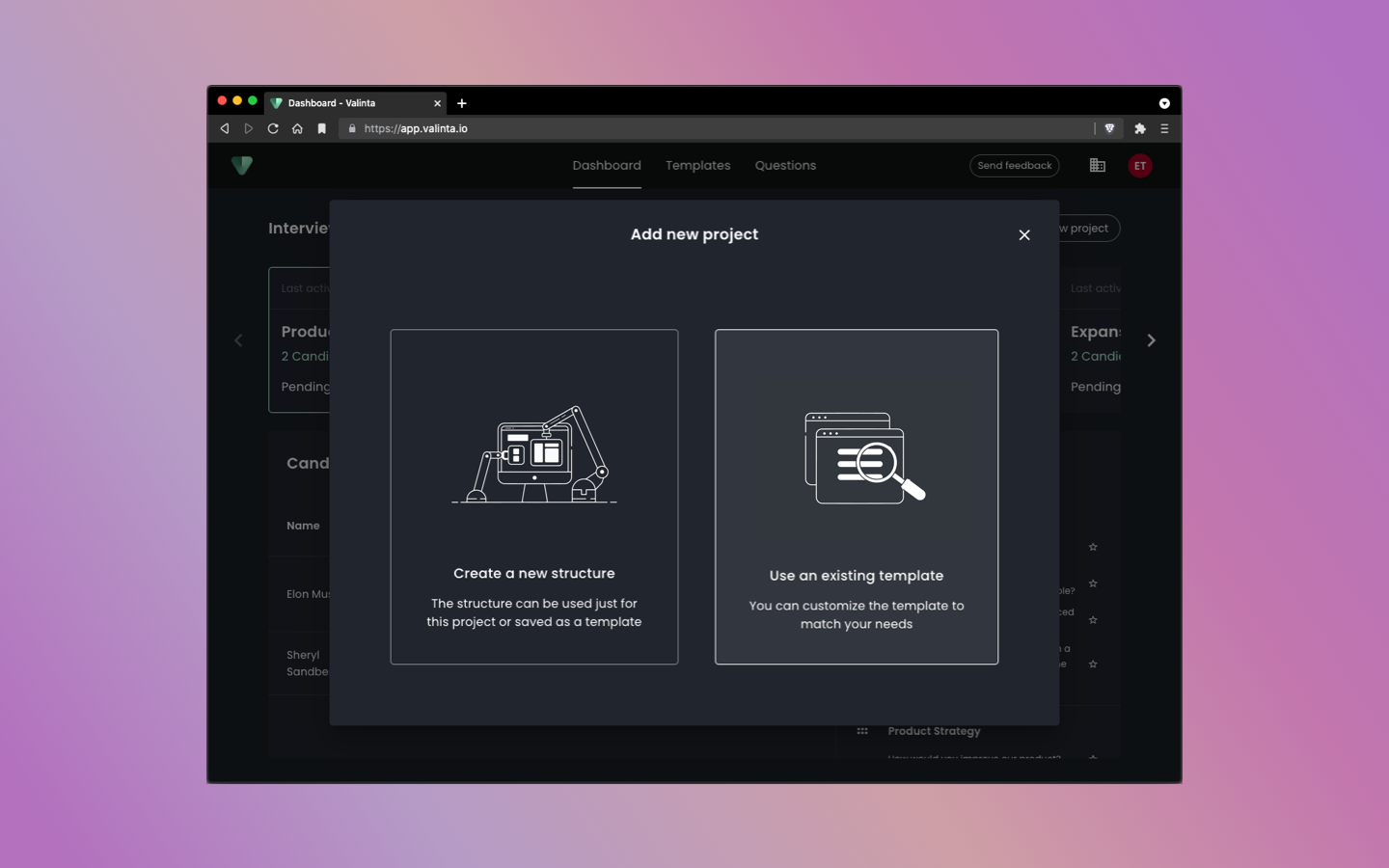
Templates make it very simple and straightforward to create your own custom structures for your interviews in Valinta. They are reusable across the organization and can be compiled from both custom questions and from questions in the question library.
How It Works
When planning an interview for an available position (project in Valinta), you can create a reusable template right in the “Add new project” view or in the “Templates” view. If you, or someone in your organization, has already created templates, you can use an existing template to create a new project.
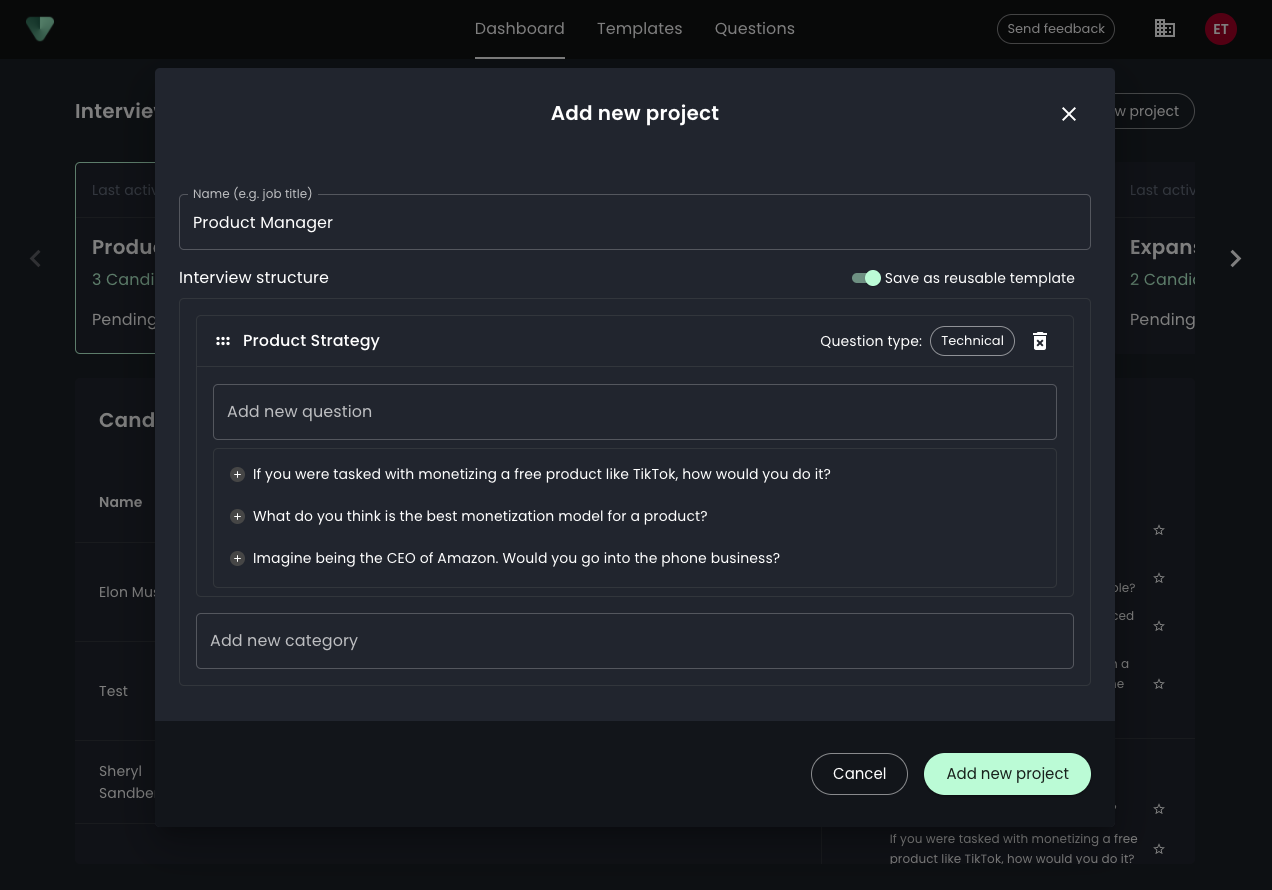
Creating a new template is as easy as it gets. Simply add question categories from the question library or add your own custom questions right in the dialog. The “Add new category” field features a search function, so you may search for and add entire categories from the question library.
You may shift the order of categories and questions simply by dragging them around until you are happy with the structure.
Once you are done, you should ensure that “Save as reusable template” is selected so that the template is saved to the library. The template is then saved and anyone in your organization may use it.
Done
With templates, creating and maintaining reusable job interview structures is effortless. Templates save a lot of time and ensure that interviews across the organization follow the same model. The question library makes it easy for an organization to maintain an up-to-date supply of interview questions.